Connecting your Telegram
Reading third-party channels requires a user session. Telegram bots cannot do it: they only see the chats they have been added to, and nobody is going to let you add a bot to somebody else's signal channel.
Where it is: Profile → Telegram.
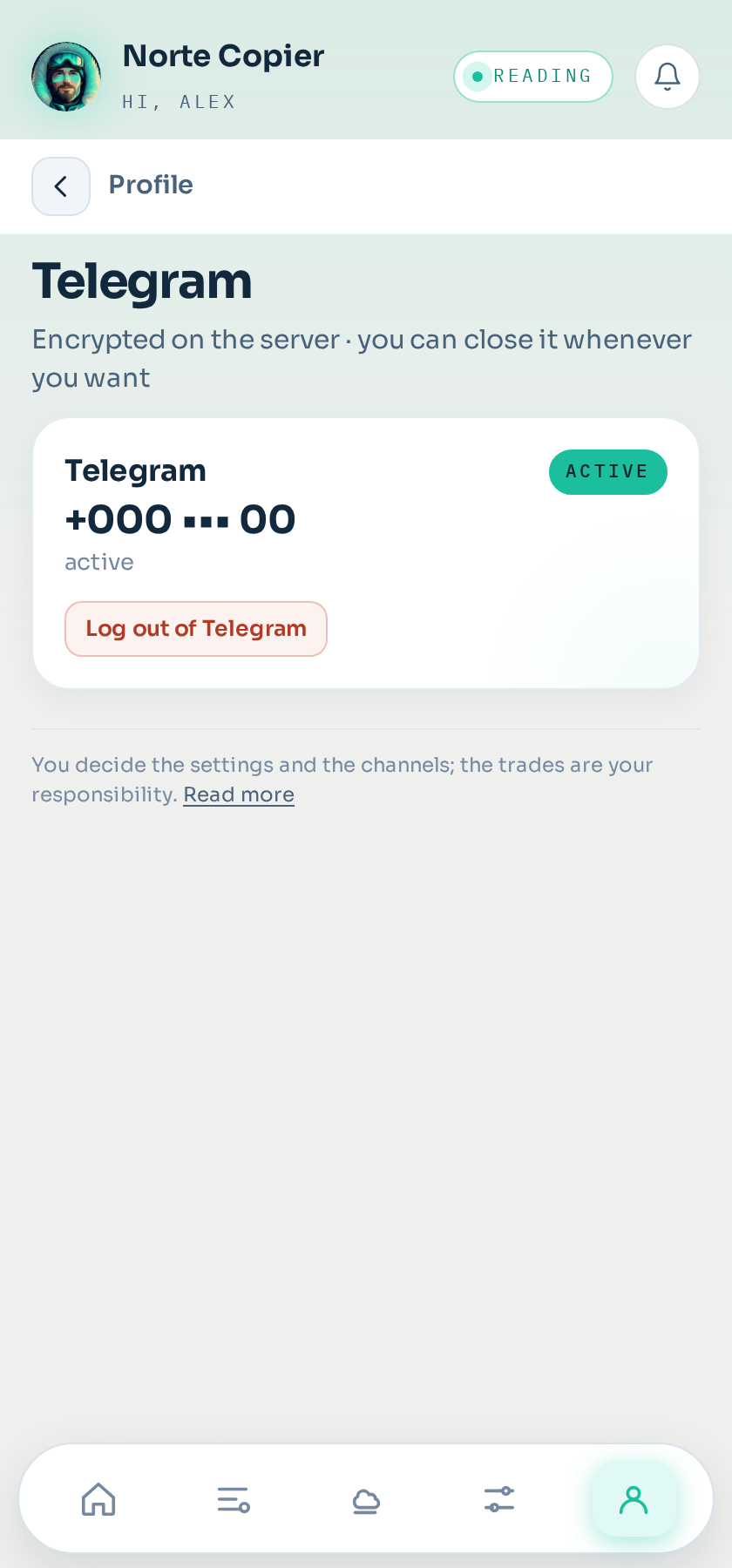
That is why, when you connect your Telegram, an encrypted session is stored on our server.
What it is used for
Two things only:
- Listing your chats while you are choosing which ones to connect. The ones you tick show up under Channels, each with the mode it is in:
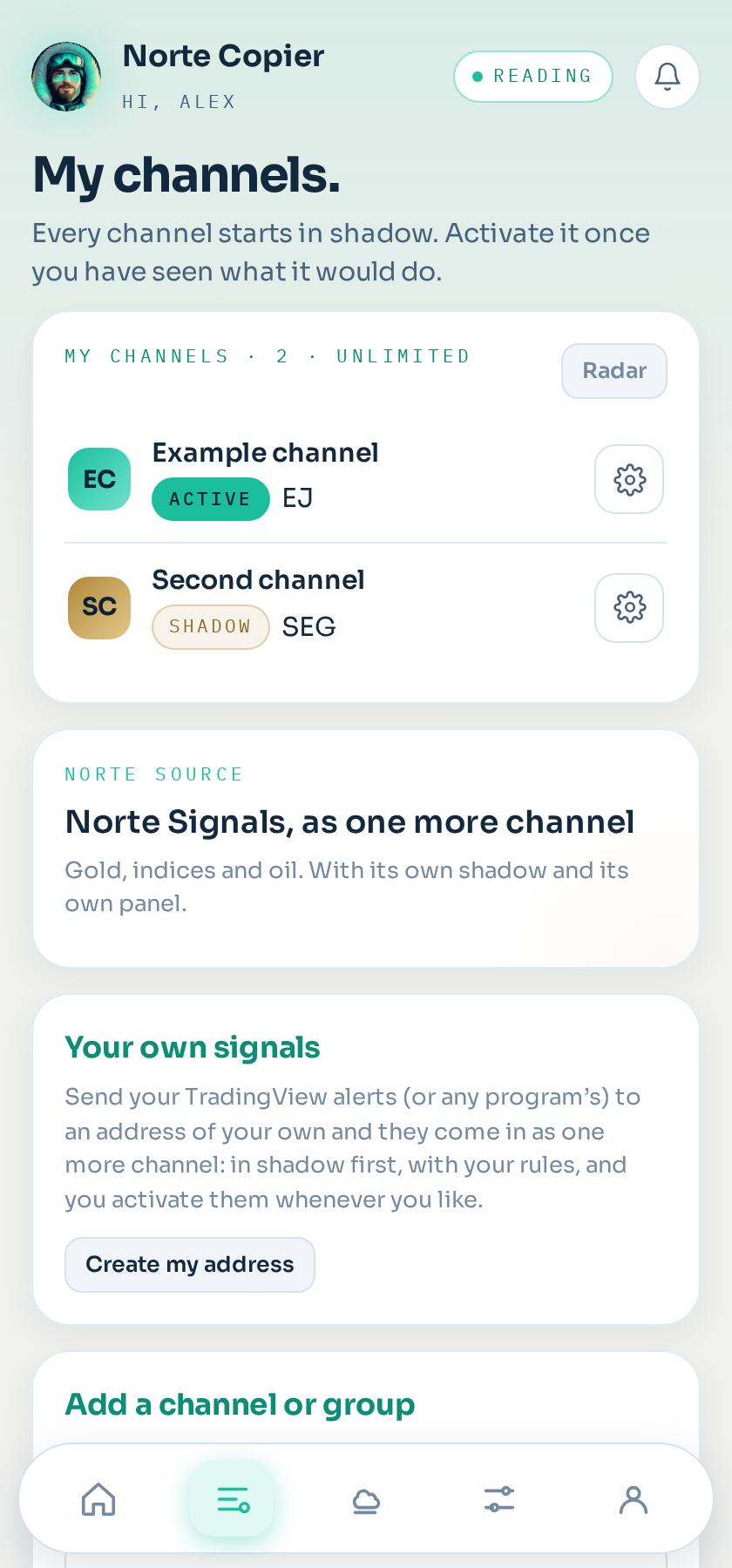
- Reading the messages of the chats you ticked.
Nothing else. We do not send messages on your behalf, we do not read your private conversations, we do not access your contacts and we do not publish anything.
How to connect it
From the bot's app, under Profile → Telegram (or from the first step on Home). You are asked for the number you use Telegram with, a code arrives in your own Telegram, and you type it in. If you have two-step verification, the password for that verification too — which is not stored: it only serves to open the session at that moment.
Why it stays stored
So you do not have to log in again every time you open the app or a signal arrives. If reconnecting by hand were needed, the copier would be useless while you sleep.
How to close it
Whenever you like, in two ways: from the app itself, or from Telegram → Settings → Devices, closing the session from there. Either way it disappears from our server and the copier stops reading. See Closing your Telegram session.
Still stuck?
Write to us in the bot and a person reads it. Tell us what you expected and what happened.
Write in Telegram