Closing your Telegram session
You can close your Telegram session whenever you like, in two ways.
Where it is: Profile → Telegram.
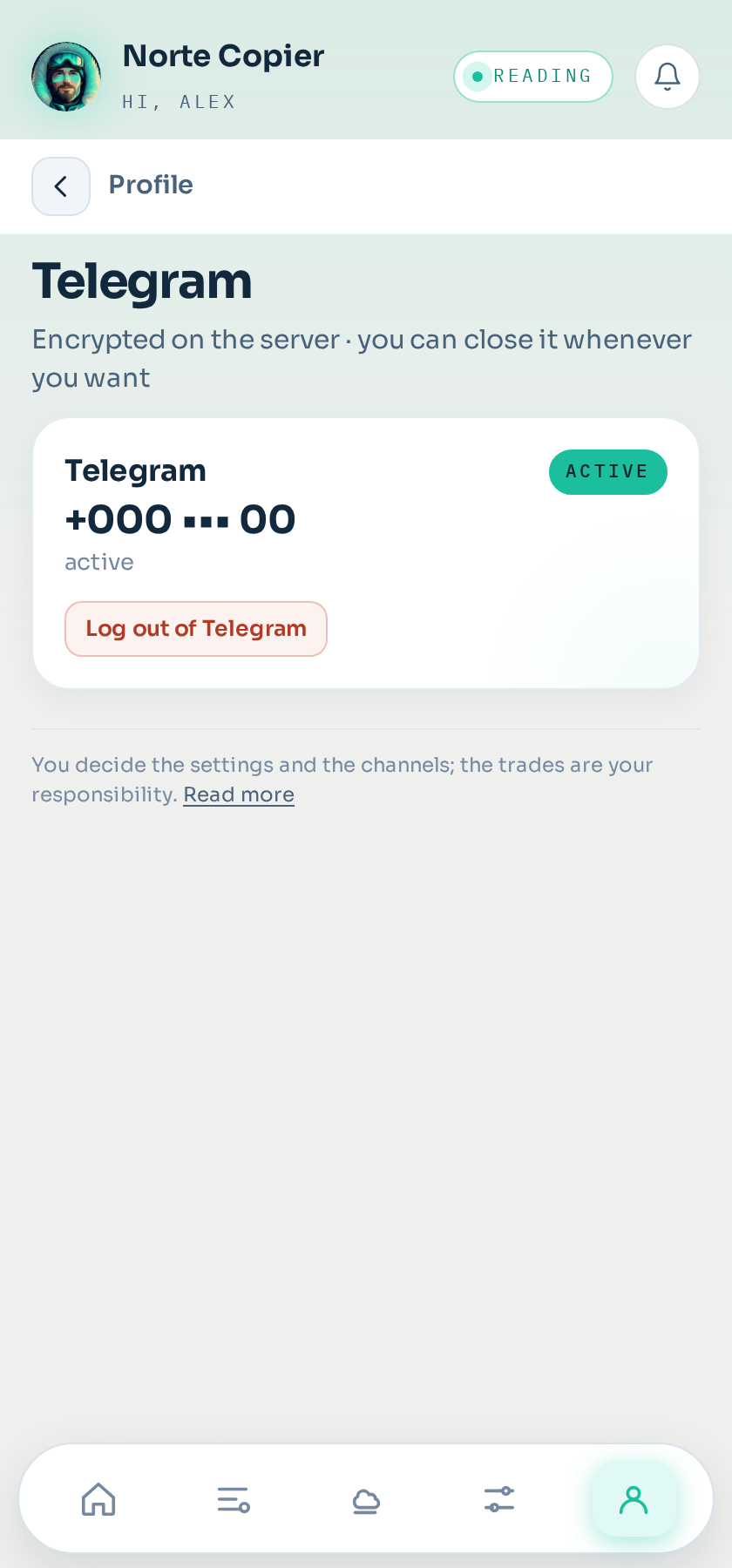
From the app
In the app, Profile → Telegram → Log out. The encrypted session is deleted from our server at that moment.
From Telegram itself
In your Telegram: Settings → Privacy and security → Active sessions. You will see the session there and can close it. This is the route that works even without access to our app, and it is worth knowing: it applies to any service you have given a session to, not only to us.
What stops working
Everything that depends on reading:
- No more messages are read from any channel.
- No new signals come in, neither in shadow nor live.
- Your history, your statistics and your configuration stay: nothing is deleted.
What keeps working
Your terminals stay linked and positions already open stay open. The copier does not touch them, but it cannot manage them either: if the channel says to move the stop loss, it will no longer see it.
If you are about to close the session with live trades, decide first what you are doing with them.
Connecting again
You reconnect just like the first time and your channels and configuration are still there. Nothing has to be set up again.
Deleting, which is something else
Closing the session does not delete your data. If what you want is for everything to disappear, see Closing your account and deleting your data.
Still stuck?
Write to us in the bot and a person reads it. Tell us what you expected and what happened.
Write in Telegram