Why the cloud only takes live accounts
The cloud account only takes live accounts. If you want to try things out without risking money, what you are looking for is shadow mode, which already comes with your plan and costs nothing extra.
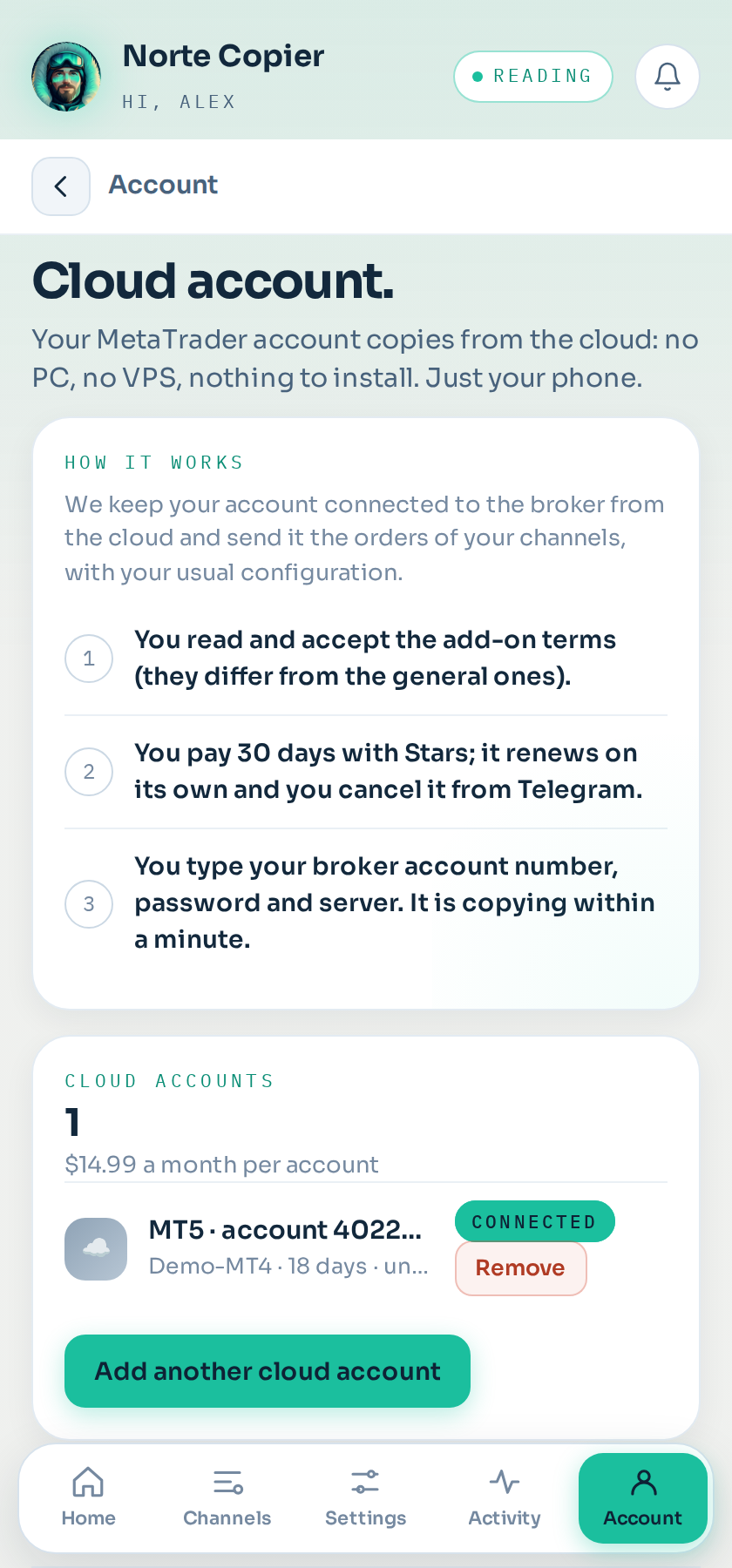
Where it is: Account → Cloud account. Before connecting there is a box you have to tick: "I confirm the account I am about to connect is a live account."
Why live only
The cloud keeps your MetaTrader account running on a server of ours, connected to your broker, twenty-four hours a day. That costs the same whether the account has money in it or is a practice one: the server runs either way.
On a demo account that spend buys you nothing, because what you want to know — whether the channel works and whether your configuration works — you can already know without connecting anything. That is shadow mode.
What shadow mode already does for you
It reads every message from your channels, applies your risk, works out the lot, places the stop and the targets, and then follows the price using the real candles from your broker to tell you how it would have ended: at target, at the stop, or still open.
In other words: it gives you the number for each channel and each configuration before you put in a cent.
And on top of that:
- It sends no orders. You do not even need an account connected.
- It does not expire and does not ask for a card.
- You can keep channels in shadow while others trade for real, so you can compare.
The only thing it does not give you is the feeling of watching the order open in your platform. For that, once you have twenty or thirty signals with an outcome, you switch that channel to active on your live account.
The server name does not tell you whether it is demo
This surprises almost everyone: at many brokers the server name does not distinguish demo from live. At XM, for instance, servers 5 and 2 are practice ones and 6, 10 and 12 are live, and none of them says so in the name.
That is why we ask you with a box instead of guessing. If you are not sure, check it in your broker's client area: every account is marked there as live or demo.
If you connect a demo without realising
Your broker tells us a few minutes after you connect, and then:
- We let you know on the bot.
- We put the account in rest mode, so it stops consuming while you sort it out.
- Nothing is deleted and you lose no days: your plan ends on the same date as always.
Whenever you want, you switch to your live account from the app. You get one free account change a month.
Still stuck?
Write to us in the bot and a person reads it. Tell us what you expected and what happened.
Write in Telegram