The terminal shows as disconnected
Check these four things in this order. They solve almost every case.
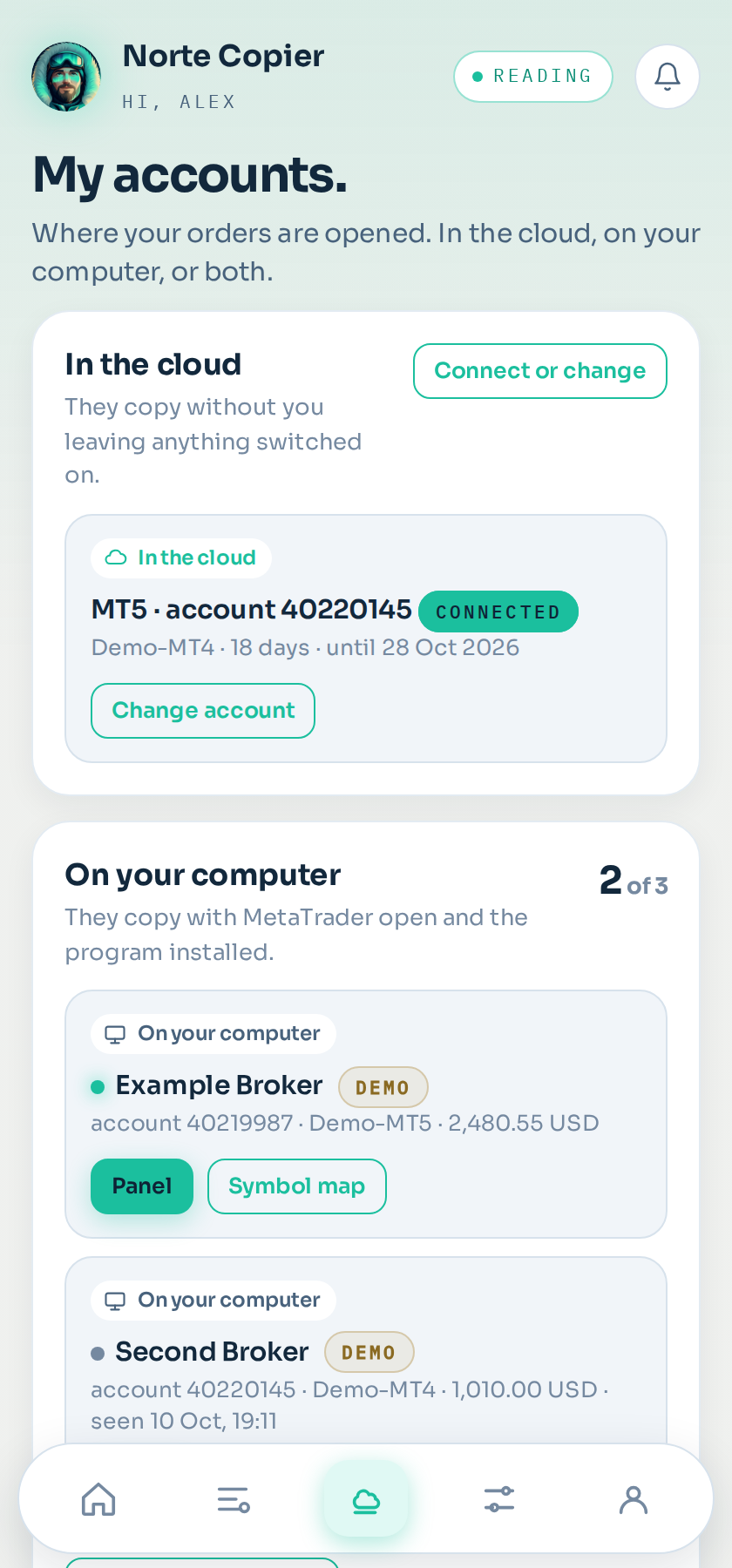
Where it is: Accounts → On your computer.
1. Is MetaTrader open?
The program lives inside your terminal. If MetaTrader is closed, the computer asleep or the server off, there is nothing connected. It sounds obvious and it is the most frequent cause.
2. Is the program on a chart with a smiling face?
Top right of the chart, next to the name NorteCopier, there has to be a smiling face.
A sad face means algo trading is missing: the Algo Trading button in the top bar has to be green.
If there is nothing there, the program is not on any chart. Drag it on again.
3. Is the address allowed?
This is cause number two, and almost always because of one letter too many or too few. Tools → Options → Expert Advisors, and check the address is in the list exactly as the bot shows it. See Allowing the address.
4. Does that computer have internet?
If it is a server, log in and check it browses. Sometimes it is the provider's firewall, not yours.
If it still will not connect
Remove the program from the chart and put it back: that retries the connection from scratch. If that fails too, MetaTrader's Experts tab (at the bottom) shows the program's last message. Copy it and send it to us through the bot: it tells us exactly where it is getting stuck.
While it is disconnected
Your stop loss and your take profits are still sitting at the broker doing their job. What does not happen is new signals coming in or open trades being managed.
Still stuck?
Write to us in the bot and a person reads it. Tell us what you expected and what happened.
Write in Telegram