The signal was read but no trade opened
The copier never discards a signal in silence. The reason is always written down.
Where it is: Activity → Messages tab.
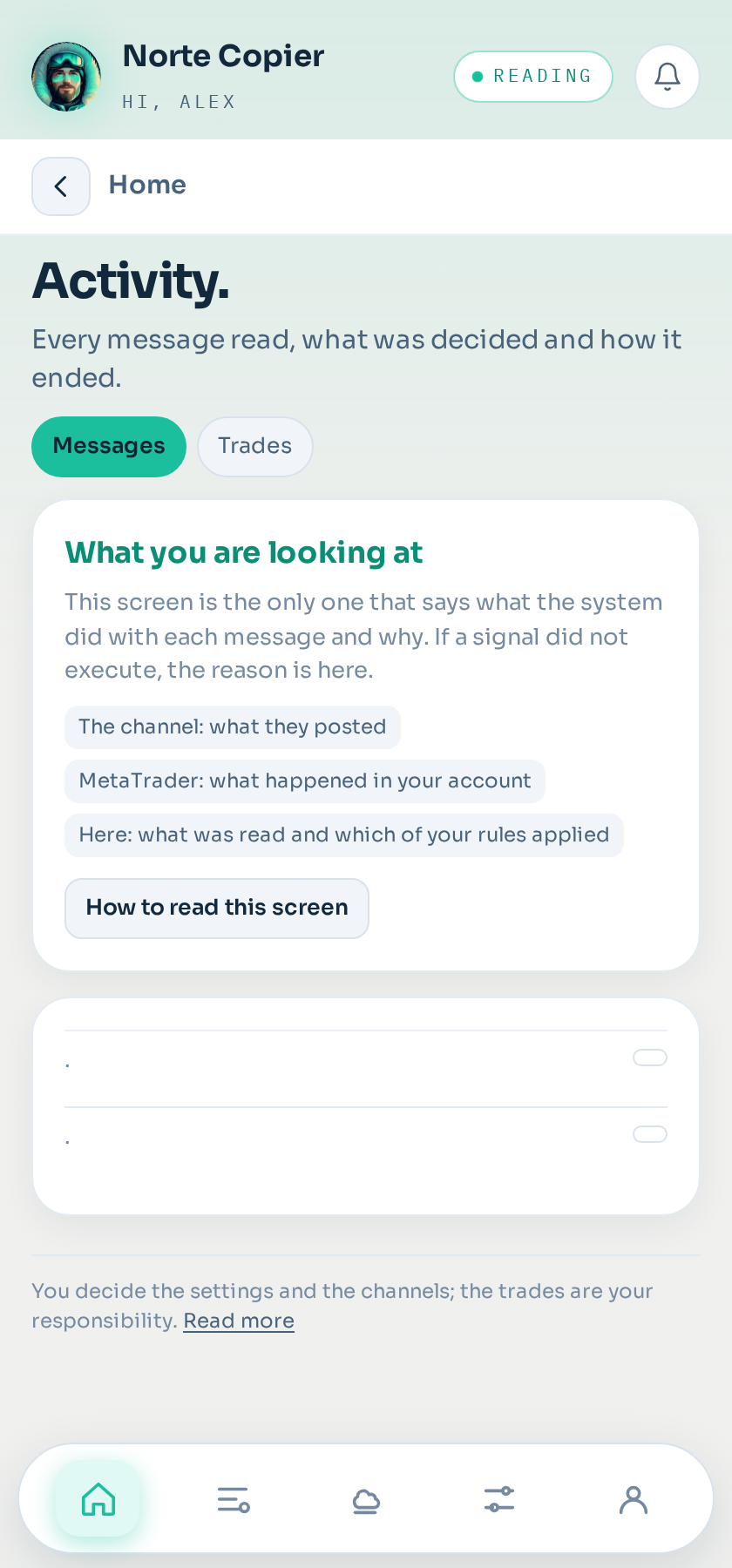
Where to look
In Home → Activity → Messages. Find the message and look at its status. If it says discarded, the reason is right next to it.
The usual reasons
The instrument does not exist at your broker. The channel names a symbol your broker does not offer, or calls it something else. See The symbol does not exist.
Outside trading hours. You have hours configured and the signal arrived outside them.
Limit reached. Daily loss, daily take profit, open trades at once, per channel, per instrument, or new ones today. The brake did what you asked of it.
Spread too wide at that moment, above what you tolerate.
Price had already gone. The signal arrived late and was past the distance you tolerate.
It failed the quality filter. The stop loss was on the wrong side, the distance was absurd for that instrument, or the take profits arrived out of order.
Invalid volume. The calculated lot falls below the broker's minimum, or does not fit the available margin.
The channel is in shadow. It was evaluated, but nothing is sent to the account. That is what shadow does.
If it says it opened and you cannot see it
Check you are looking at the right terminal and the right account: with two terminals it is easy to look in the wrong place. And check the trade's magic number in MetaTrader.
If the message does not appear at all
Then it was not read. Either the Telegram session is closed, or that channel is not ticked as a source.
Still stuck?
Write to us in the bot and a person reads it. Tell us what you expected and what happened.
Write in Telegram