The lot comes out too big or too small
It is almost always one of three things.
Where it is: Settings → Edit → Risk.
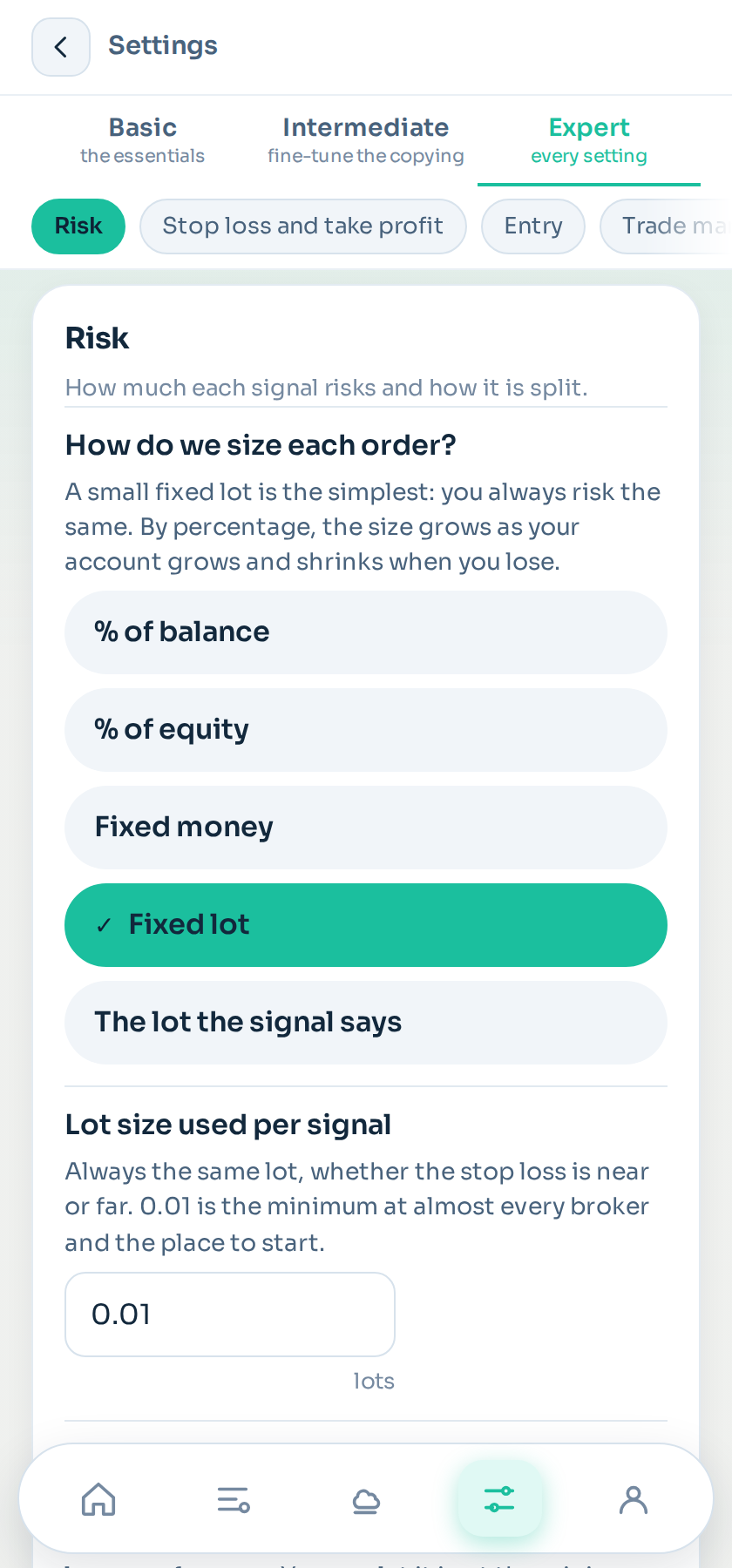
1. Risk is set to fixed lot
With risk on fixed lot, the volume is always the same whatever happens, and has nothing to do with the distance to the stop loss. A signal with a very close stop and one with a very distant stop open the same lot and risk very different amounts.
Switch it to percentage of balance and the problem disappears. See Risk.
2. The signal's stop loss is very close or very far
With percentage risk, the lot comes from the distance to the stop loss: stop loss close, big lot; stop loss far, small lot. That is correct — you risk the same on both — but the number can be alarming to look at.
If a channel sets a three-point stop loss, its lots are going to come out enormous. There are two ways out: set a maximum lot per signal, which caps the size wherever it comes from, or stop using the channel's stop and use your own on that channel.
3. The broker's minimum
Almost every broker has a 0.01 lot minimum. If your risk works out to less than that, you have three ways out: do not open (what comes set), open the minimum even though that risks more than you wanted, or merge the orders into one so the volume reaches the minimum.
With small accounts this happens often, especially if you split between several take profits. Open a single order and the problem shrinks.
Check it in shadow
Before switching a channel live, look at what volume it would have opened in shadow. It is the easiest number to spot and the most expensive one to discover late.
Still stuck?
Write to us in the bot and a person reads it. Tell us what you expected and what happened.
Write in Telegram