Management: stop loss to entry, trailing, partial closes
What the copier does on its own, once a trade is open, without you watching.
Where to change this
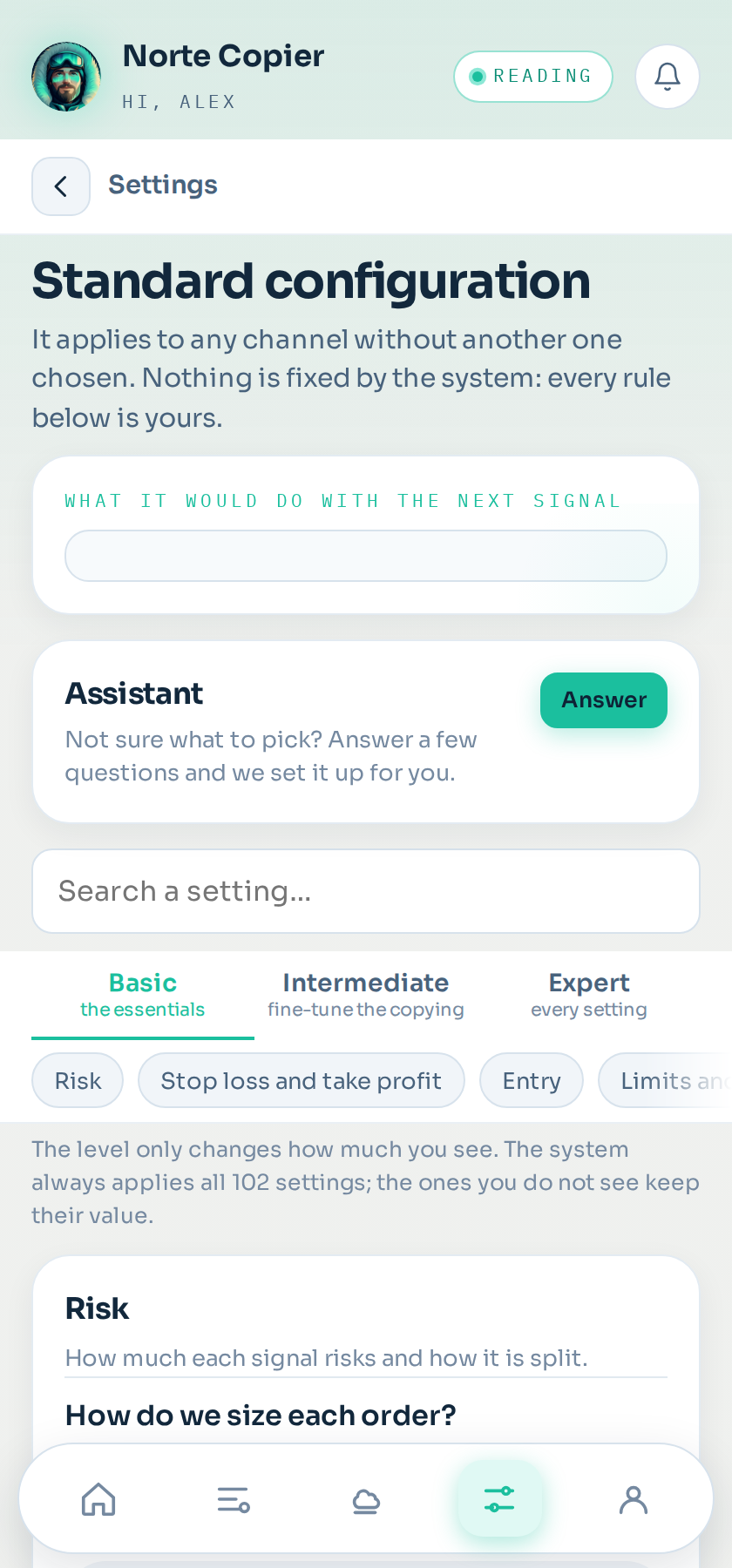
Open the app from the bot → Settings tab → tap the settings you want to change → look for the Trade management group.
Two things that save time:
- At the top of that screen there is a level switch: Basic, Intermediate and Expert. Basic shows only the eight decisions you have to make; if you are looking for a setting and cannot see it, raise the level.
- Next to it there is a search box: type «stop loss» or «trailing» and it leaves only what matches.
What you change is saved in those settings, not in all of them. If you have several and want a channel to use another one, you pick it in Channels → the channel → its settings.
Stop loss to entry
When the TP1 is hit, the stop loss moves to the entry price. From then on, the worst that can happen is breaking even.
It is the most useful one and the one most people turn on. It is called «When it reaches TP1, do we secure yours?» and it comes on.
Two settings go with it:
- «Trailing stop: secure after advancing this many pips» moves the stop loss without waiting for the take profit, as soon as price advances what you say. A signal that never reaches its take profit may still have advanced enough to get out at break-even. 0 turns it off. These are your broker's points: on gold with two decimals, 300 points are 3 dollars.
- «Leave the stop loss a few pips above the entry» leaves the stop loss a few points beyond entry, in your favour, so you do not lose the spread and the commission. It sits at Expert level.
The stop loss rises with each take profit
Every time a take profit is reached, the stop loss of whatever is still open moves to the previous take profit. It does not chase price tick by tick: it climbs in steps, and the steps are the levels the signal itself set.
It is called «Trailing stop: do we raise the stop loss with each TP?» and it comes on. If you prefer the stop loss to stay put and let it run, turn it off.
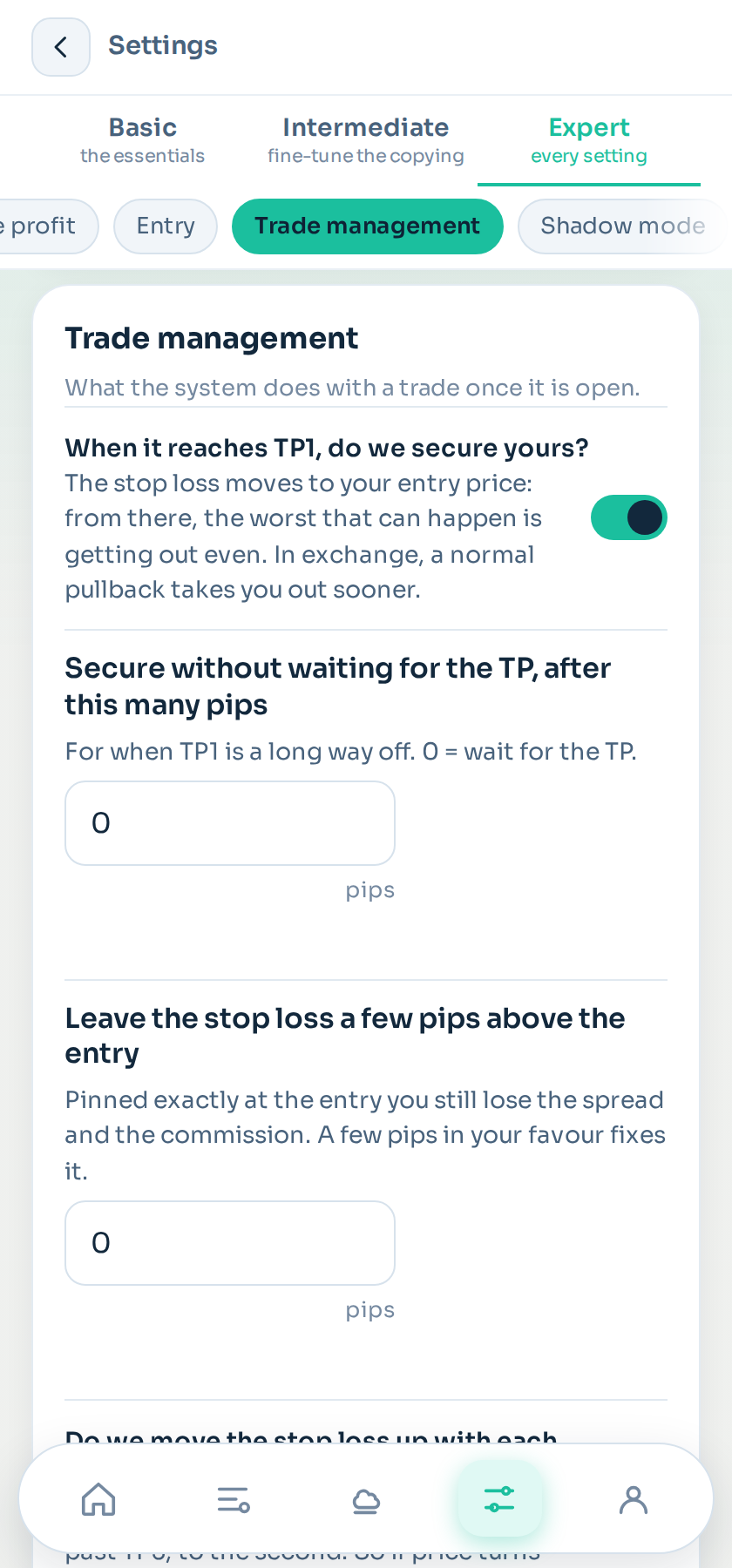
Every setting in this group
<!-- AJUSTES:gestion --> Open the app → Settings tab → tap your settings → Trade management group.
| Called | What it does | Default |
|---|---|---|
| When it reaches TP1, do we secure yours? | The stop loss moves to your entry price: from there, the worst that can happen is getting out even. In exchange, a normal pullback takes you out sooner. | on · Intermediate level |
| Secure without waiting for the TP, after this many pips | For when TP1 is a long way off. 0 = wait for the TP. | 0 · Intermediate level |
| Leave the stop loss a few pips above the entry | Pinned exactly at the entry you still lose the spread and the commission. A few pips in your favour fixes it. | 0 · Expert level |
| Do we move the stop loss up with each TP? | Past TP2 the stop loss moves to the first; past TP3, to the second. So if price turns around, you exit at the last target it passed instead of at your entry. | on · Intermediate level |
| If the channel asks to secure while the trade is down | The stop loss cannot go to the entry without closing it. Either you close it there, or you put the TP at the entry to leave as soon as it comes back, or you ignore it. | «Do nothing» · Intermediate level |
| Do not let the channel widen your stop loss | Any request that increases what you can lose is ignored. Leaving this on is the careful choice. | on · Intermediate level |
| Close the previous one if an opposite signal arrives | A gold sell closes your gold buy. Off, you end up holding both at once. | off · Intermediate level |
| Close on its own after this many hours | So you do not leave a trade forgotten over the weekend. 0 = never. | 0 · Expert level |
| If the channel asks to close half and the lot cannot be split | At 0.01 lots the broker will not split. Either it closes whole, or it is left as it is. | «Close the whole trade» · Intermediate level |
| When one order closes, cancel the waiting ones of that signal | Stops an order from a finished signal getting in. | on · Expert level |
If you cannot find a setting, raise the level at the top of the screen or type its name in the search box on that same screen. <!-- /AJUSTES -->
Partial closes
Closing part of the trade at a level and letting the rest run. If you open one order per take profit, the structure already does this; if you open a single order, this is how to get the same effect.
The broker's minimum wins. With 0.01 lots, half of it does not exist. The copier detects it and does whatever «If a partial close is not possible» says: close the whole trade or leave it open.
Orders from the channel
Besides what is automatic, the channel can send instructions after the signal: move the stop loss, close partially, close everything. What is obeyed and what is not is in Provider orders.
If you do not have the app at hand
All of this is also in the settings video, step by step on a big screen: watch it on YouTube.
Still stuck?
Write to us in the bot and a person reads it. Tell us what you expected and what happened.
Write in Telegram