From zero to your first signal in shadow
Four steps. None of them risks money, and the last one shows you what would have happened.
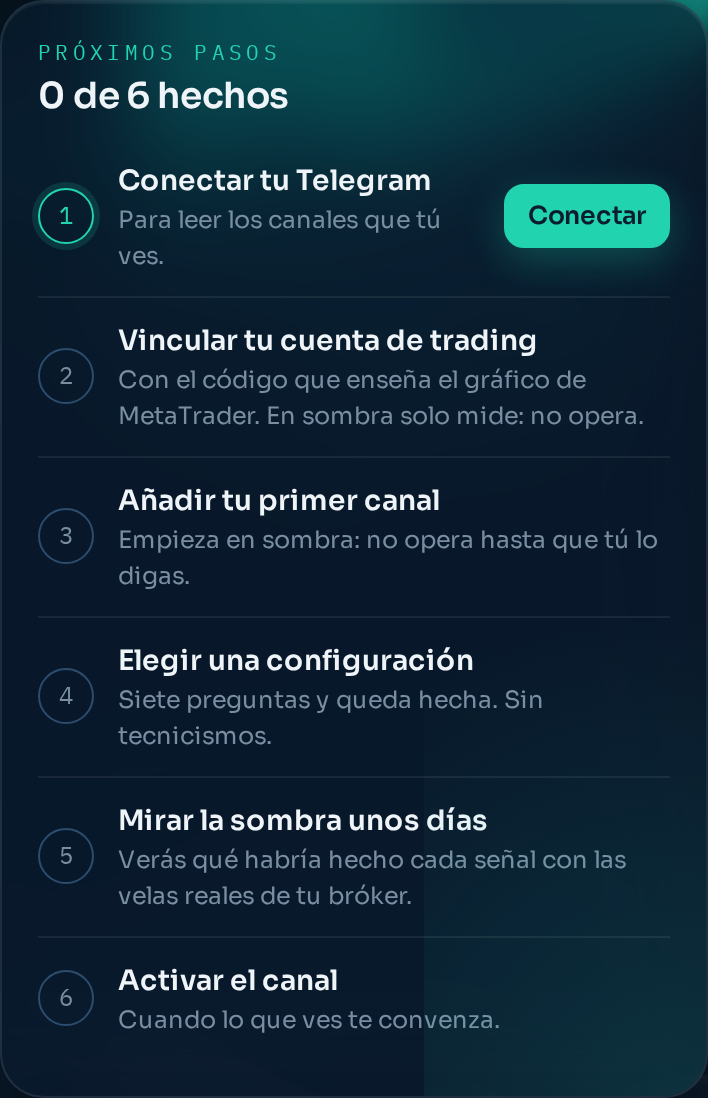
1. Open the bot and go into the copier
Search for @nortecopierbot in Telegram and press start. Everything lives there: the app, your channels, your rules and your history.
2. Connect your Telegram
The copier needs to read third-party channels, and that requires your session: Telegram bots cannot read channels by themselves. You connect it from the app in a minute and it is stored encrypted. It only reads the chats you tick. See Connecting your Telegram.
3. Pick one or two channels
Under Channels you will see the list of chats you already follow. Tick the ones you want read. Start with one or two: it is much easier to understand what is happening. They all go into shadow mode, which sends nothing to your account.
4. Load the program into MetaTrader
One file, one double click, and a six-digit code that appears on your chart. You type it into the bot and your account is linked. See Installing the program in MetaTrader 5 or in MetaTrader 4.
And now, wait
From here on, every channel message is read, interpreted with your rules and tracked with your broker's prices. The channel panel shows you what each signal would have done.
Do not switch anything live yet. Let twenty or thirty signals go by. Before that the numbers do not mean much.
Still stuck?
Write to us in the bot and a person reads it. Tell us what you expected and what happened.
Write in Telegram